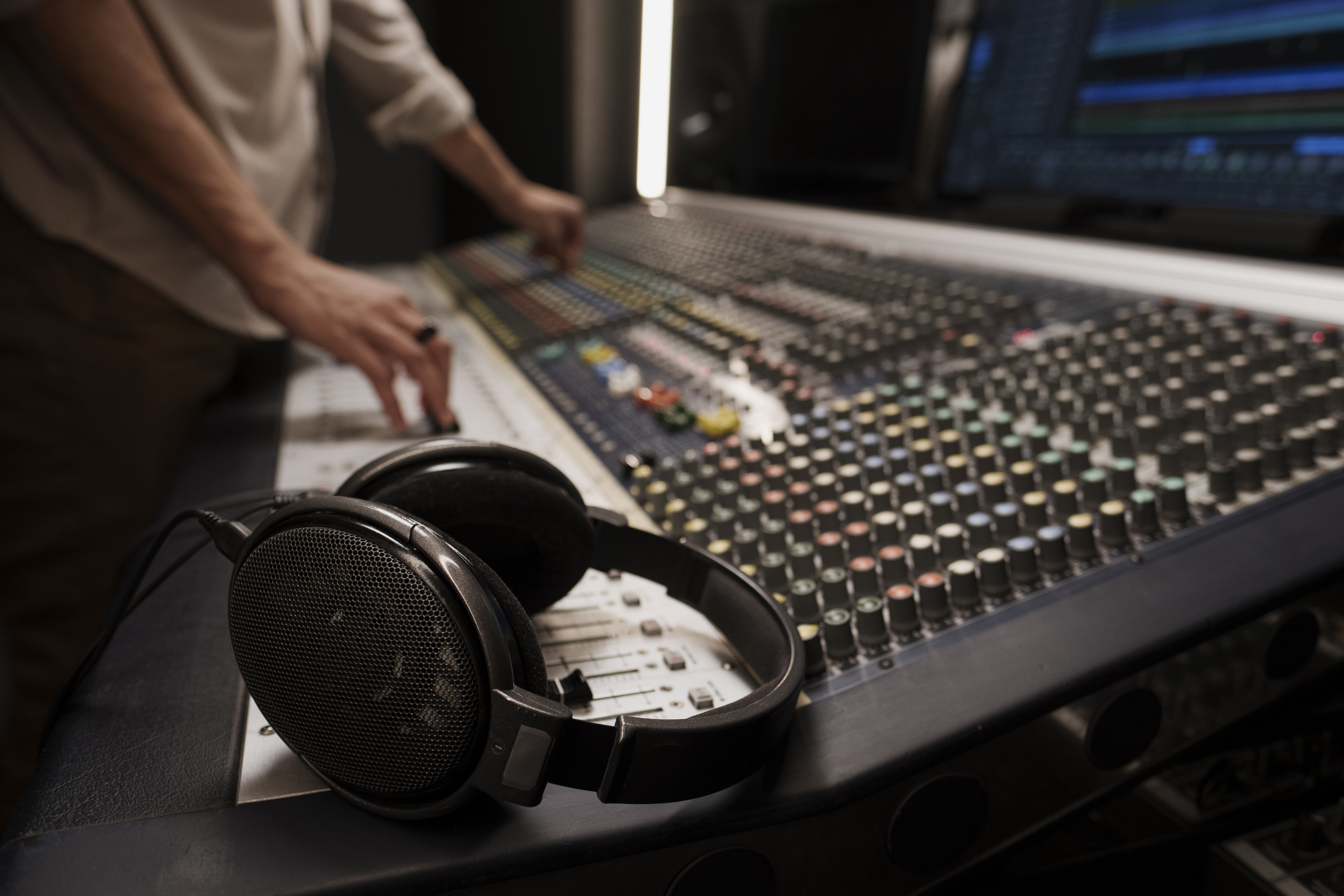
Thinking about building your own radio station but worried about the cost? Good news — today, anyone can broadcast music, talk shows, interviews, or niche programming without paying for a studio or expensive equipment. Thanks to modern online tools, learning how to create a radio station for free is not only possible, but easier than ever. What once required huge budgets and professional gear can now be done using a laptop, a microphone, and free broadcasting platforms.
This guide walks you through every step — from planning your station and choosing software to broadcasting your first live show. The goal is simple: help you build a complete, functioning radio station at zero cost. And if you want more creative inspiration, feel free to explore the main page of our platform at Planet Ant Podcasts.
Why Start a Free Online Radio Station?
Online radio has exploded in popularity because it gives complete creative freedom. Unlike traditional FM, digital radio allows you to broadcast globally, test new formats, and create a unique sound without gatekeepers. Whether you want to share your favorite tracks, host community discussions, highlight underground artists, or build a comedy-focused channel, the internet is the ideal playground.
• No licensing fees for basic streaming
• No physical studio required
• Global audience reach from day one
• Full control over branding, sound, and schedule
• Easy monetization later through ads, Patreon, merchandise, or sponsorships
Step 1: Define Your Station’s Concept
Before you think about equipment or broadcasting tools, decide what your station will be about. This shapes every next step — from naming to programming and marketing. Ask yourself:
- What type of content will you broadcast — music, talk shows, interviews, news, comedy?
- Who is your target audience?
- What makes your station unique compared to others?
- Will your shows be live, prerecorded, or mixed?
- Do you want to host multiple DJs or operate solo?
Clear branding helps listeners instantly understand what you stand for and what they can expect.
Step 2: Choose Free Broadcasting Software
To broadcast your audio to the world, you need a streaming program. Here are the top free tools most creators use today:
• OBS Studio – Fully free, allows high-quality streaming and audio mixing.
• BUTT (Broadcast Using This Tool) – Extremely simple program specifically for radio streaming.
• Mixxx – A DJ-focused tool with built-in mixers, effects, and track management.
• Rocket Broadcaster Free – Simple interface, perfect for beginners.
Each tool connects to your streaming host and sends audio in real time. OBS and Mixxx offer more customization, while BUTT is perfect for “plug-and-go” broadcasting.
Step 3: Select a Free Radio Hosting Platform
Your hosting platform is the brain of your radio station. It takes the audio you send from your broadcasting software and distributes it to listeners worldwide. Here are the top free platforms to consider:
• Radio.co Free Trial – Short trial but high-quality automation tools.
• Zeno Media – Completely free and offers unlimited listeners.
• Caster.fm Free Plan – Good for starter stations needing basic features.
• Live365 Free Tier – Includes music licensing (limited features but helpful for legally streaming music).
If music licensing is important, Live365 is the most beginner-friendly. If you need unlimited listeners, Zeno Media is the best choice.
Step 4: Gather Free or Low-Cost Equipment
You don’t need a professional studio. Many creators launch their stations using only:
- A laptop or desktop computer
- A free broadcasting program
- A USB microphone (even a cheap one works)
- Closed-back headphones
- Soundproofing (blankets or foam panels)
For next-level audio quality, consider affordable upgrades like the Audio-Technica ATR2100x microphone or a simple audio interface. But they aren’t required to start.
Step 5: Set Up Programming & Schedule
A successful radio station has structure. Even if your focus is creative chaos, planning prevents dead air and helps listeners know when to tune in.
Typical program types include:
- Daily talk segments
- Music countdowns
- Genre-specific playlists
- Interviews with guests
- Live community Q&A
- Comedy sketches
Most free hosting platforms provide a built-in scheduler where you can upload prerecorded content or set automatic playlists to run when you're not live.
Step 6: Go Live
Once your hosting platform and broadcasting software are connected, it’s time to broadcast. For your first stream:
- Introduce your station and its vision
- Play music or segments prepared in advance
- Interact with listeners via chat (if supported)
- Ask for feedback for future shows
- Keep energy natural and relaxed
Don’t worry if your first shows are imperfect — online radio grows through consistency, not perfection.
Step 7: Promote Your Free Radio Station
Audience growth is where creativity matters. Promote your station through:
- Social media pages and communities
- Local groups and cultural organizations
- Podcast cross-promo
- YouTube clips of your shows
- Collaborations with indie musicians
- Influencer shoutouts
A great technique is publishing short highlight clips — funny moments, insightful quotes, or musical transitions that capture your vibe.
Step 8: Monetize — When You’re Ready
Although this guide is about launching your station for free, monetization becomes easy once you build a loyal audience.
• Patreon or donations
• Sponsorships from local businesses
• Selling merchandise
• Hosting paid events or interviews
• Running ads (when hosting platforms allow it)
Final Thoughts
Learning how to create a radio station for free opens the door to limitless creativity. Today, anyone can build a global platform without paying for equipment or studio space. Everything you need — broadcasting tools, hosting, scheduling, audience engagement — already exists online. Whether you're passionate about music, storytelling, comedy, news, or niche culture, your voice can find an audience.
The world of independent broadcasting is thriving, and your radio station can become part of that landscape. Start simple, stay consistent, and never stop experimenting. And whenever you need inspiration or creative examples, return to Planet Ant Podcasts — a home for audio creators across all genres.